Set up the desk
Onboard once and begin trading.
Complete CRX onboarding
The firm must be an Eligible Contract Participant (ECP) — the regulatory bar for trading these products — clear KYC and sanctions screening, and sign one ISDA Master Agreement that governs every trade. Once cleared, it can access the CRX network (CRX 101 (~3 min)).
Connect the funding account to a margin account
In this step, the firm connects its funding account, held with any custody platform that can connect and sign. Connecting it pairs the account with its CRX margin account, the balance that will back every trade. The setup advances the moment the connection lands.
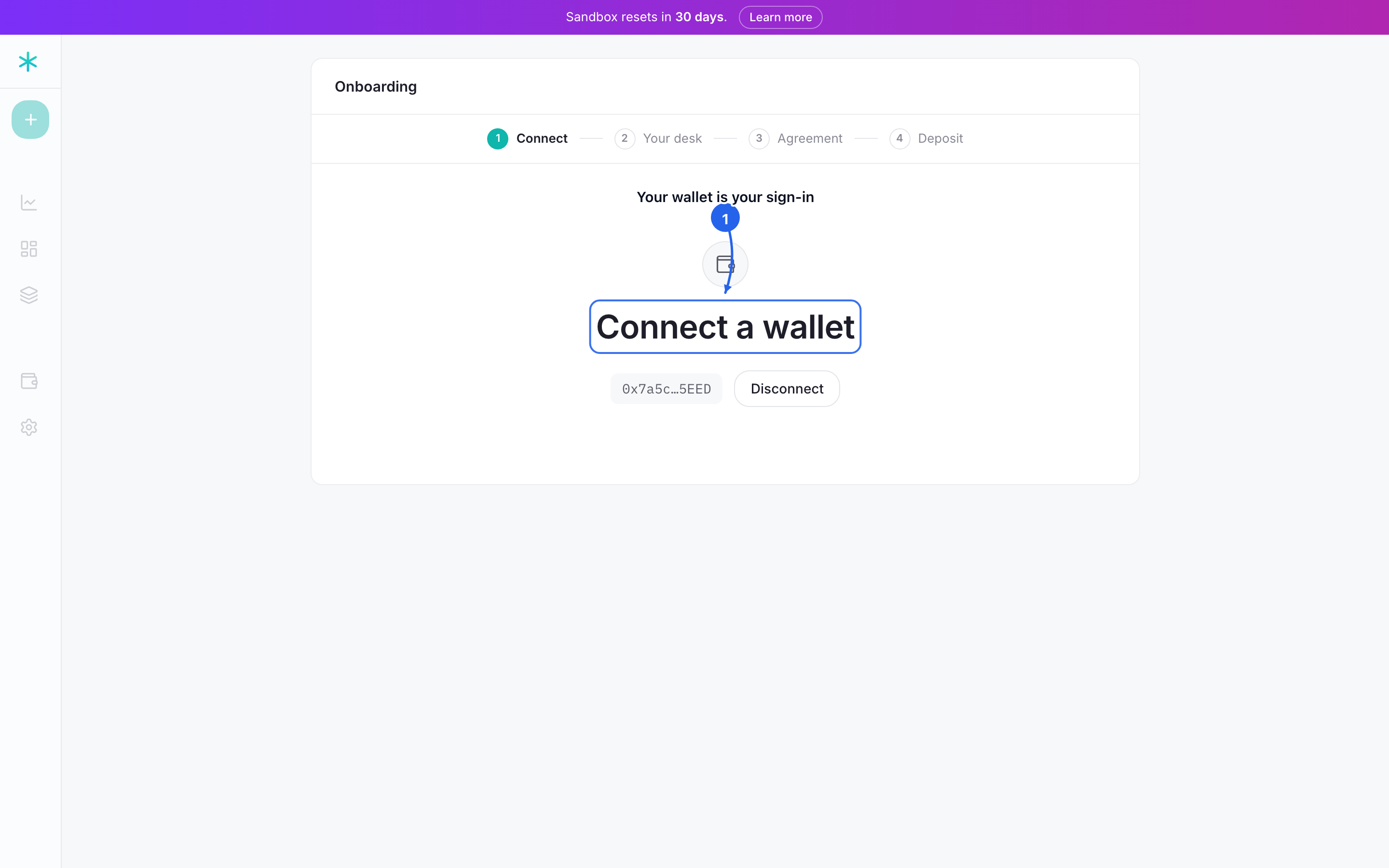 Connect through the custodian; the setup advances on its own once the connection lands.
Deposit collateral
In this step, the firm moves cash from its funding account into its margin account. Collateral is that cash; when a hedge binds, the contract locks part of the balance as initial margin, a deposit held against the trade, leaving no ticket to fire against an empty account. The status row reads the live balance and shows Funded once it is above zero. Click Deposit collateral to add funds, then return and click Enter the desk.
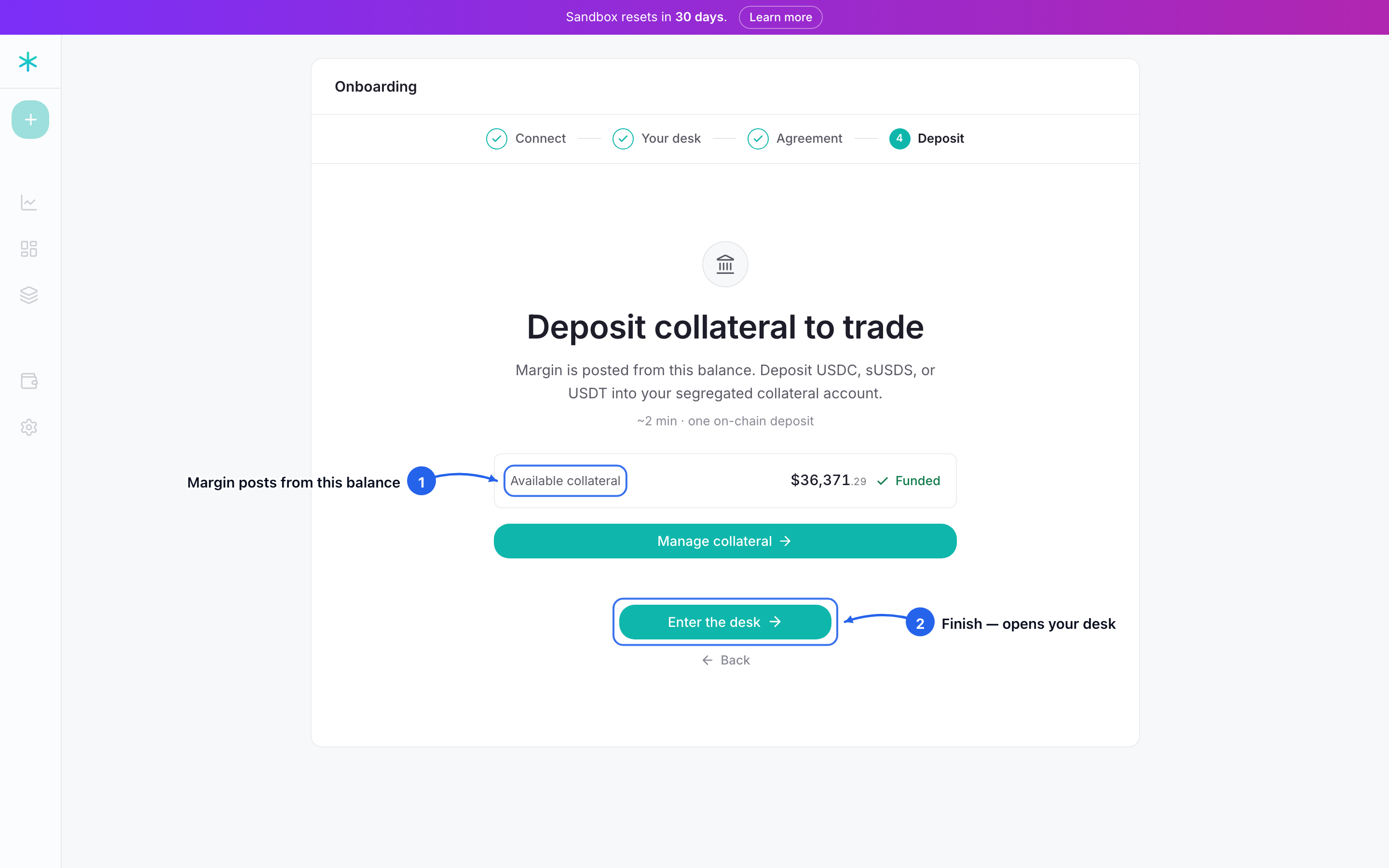 Deposit collateral, then Enter the desk. Margin posts from this balance; the status row reads it live and shows Funded once it is above zero.
Entering the desk does two things at once: it registers the firm, and it sets an on-chain flag that points the desk at CRX. This takes one extra signature from the funding account and moves no money. The deposited collateral stays in the firm's margin account, held by the contract.